

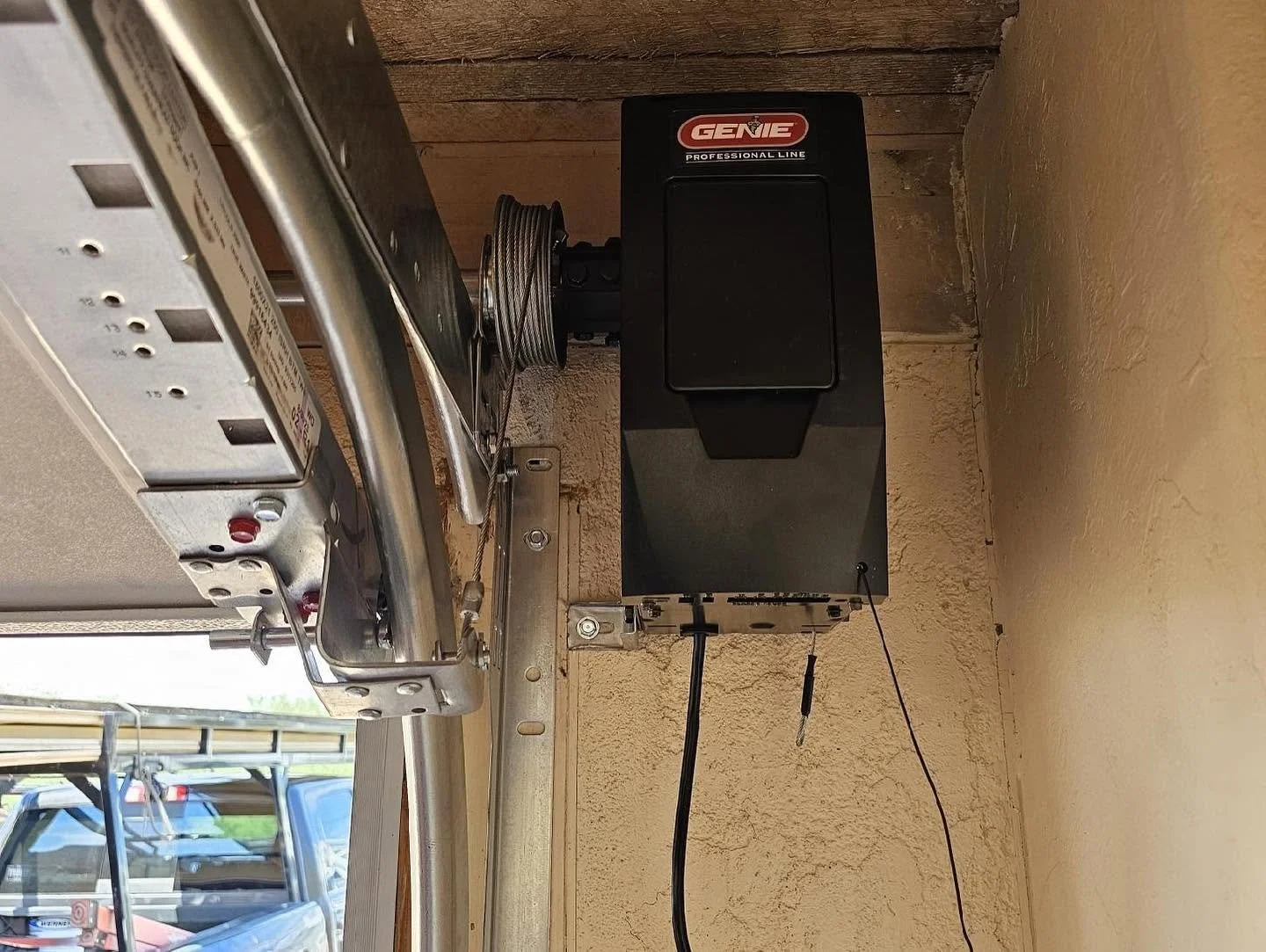
Garage Door Remote & Keypad Programming in Mesa, AZ
Remote dead or keypad stopped? We program remotes, keypads and car buttons on any opener brand, including Craftsman, across Mesa and the East Valley. Call first and we will walk you through the free checks before you pay for a visit.
The service call is $85, covering a 22-point inspection and the first half hour of labor. A person answers after hours, and after-hours and weekend work carries a $250 call fee.
- Women-Owned Family Business
- ROC #310144
- Licensed, Bonded & Insured
- 90-Day Labor Warranty
- Google Rated
Before you order a replacement remote, three things are worth two minutes: whether your wall control is in lock mode, whether the battery is the one the manufacturer specifies, and whether there is a separate receiver on your opener that decides compatibility.
Any one of those explains most of the calls we get about dead remotes, and none of them costs anything to check.
Start Here: Is It Lock Mode?
This one is free, it is common, and it looks exactly like every remote in the house dying at once.
Most wall controls have a lock or vacation mode. When it is on, the opener ignores remote controls entirely.
The signs, from Chamberlain's own support material: the opener lights flash twice when you press a remote button, and the command LED on the wall control flashes continuously.
The giveaway is that the keypad still works. Wireless keypads generally keep working in lock mode while remotes do not, so if the numbers outside open the door and the button in your car does nothing, check the wall control before you look at anything else.
The fix is to press and hold the lock button on the wall control until the indicator stops flashing or goes solid.
And the trap, in Chamberlain's words: if you are locked outside the garage, you need another way in to reach the wall control and turn it off.
Marantec has the identical feature under a different name: vacation lock mode, which is cleared by holding the button with the lock symbol for three seconds.
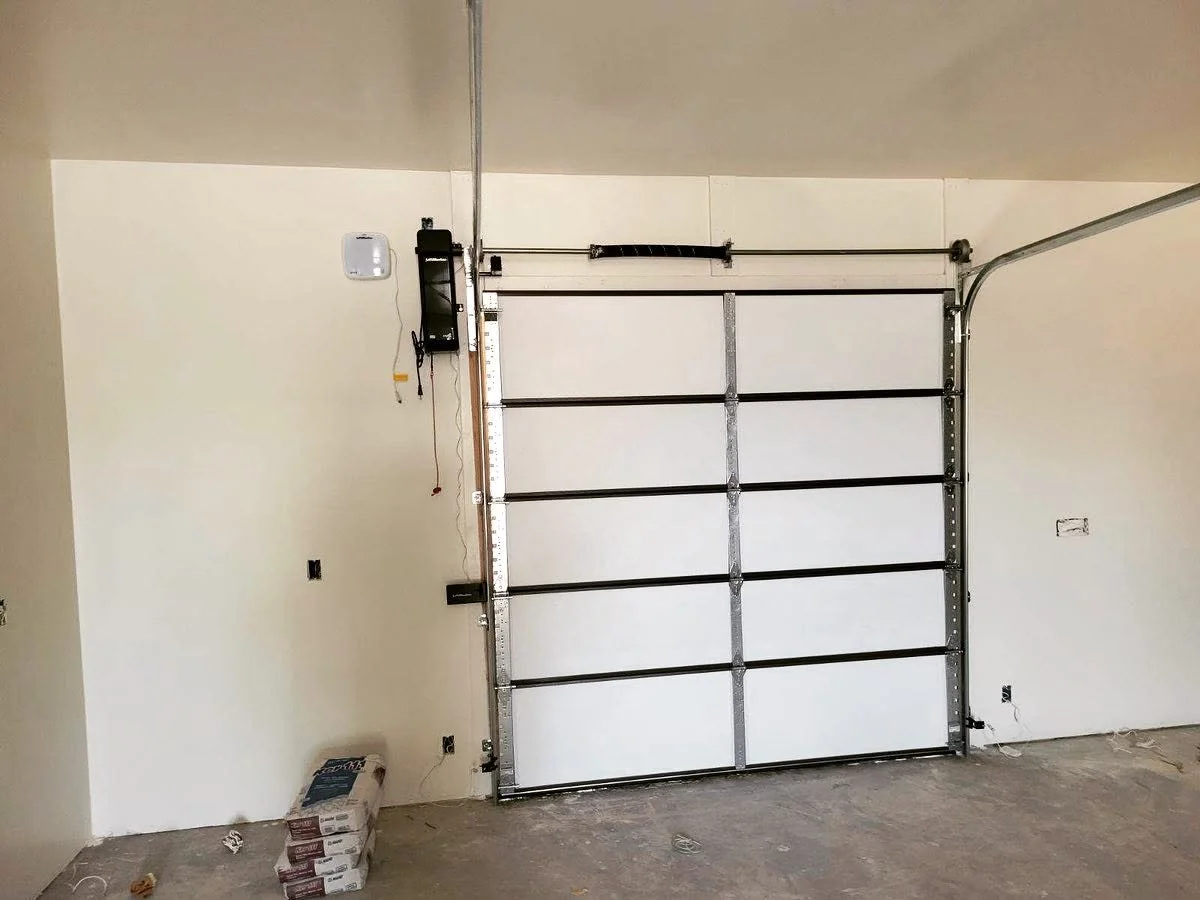 Remote and keypad programming, Mesa & the Phoenix metro
The Battery, and Which One
The second free check, and the one people get wrong by buying whatever is in the drawer.
Most modern remotes take a single 3V CR2032, and Chamberlain's troubleshooting default across its current range is exactly that.
Keypads are different. Chamberlain and LiftMaster wireless keypads take a 9V alkaline battery, with the manufacturer's instructions to use only alkaline batteries and not to mix old and new. Some older models take 12V.
Genie and Overhead Door keypads take AAA, and Genie's instructions go further: do not use rechargeable batteries.
Marantec publishes the closest thing to a service interval anyone offers: if your remote is over a year old, change the battery.
One published caveat about temperature, and it is not the one you would expect here. Chamberlain notes that cold temperatures can temporarily reduce battery performance. We could not find any manufacturer statement that heat degrades remote or keypad battery performance, and we looked. So we are not going to tell you the Arizona sun is eating your remote batteries. What we can tell you about keypads and heat is below.
Why a New Remote Does Not Work
Buying a remote that looks right is how most of this goes wrong. Three things have to line up.
The technology and the frequency.
Chamberlain publishes an identification chart keyed to the color of the learn button, and a separate compatibility page covering Craftsman openers. Gray, white, and square yellow buttons mean DIP-switch openers from before 1993, and the technology is no longer supported. Green is 1993 to 1997. Red or orange is 1997 to 2004. Purple or brown is 2005 to 2014. Round yellow is 2011 to 2025, in two sub-generations. Round white is the current one, Security+ 3.0 over Bluetooth.
Two things about that chart people miss.
Chamberlain notes that the button color fades, specifically that purple may look brown and red may look orange, which, on a twenty-year-old opener in a Mesa garage, is not a small caveat. And the chart marks the older generations as discontinued, with universal remotes as the only remaining accessory route for several of them.
Whether there is a separate receiver.
If a box is bolted to or wired into your opener with its own model number, the receiver decides what remotes work, not the opener. People replace a remote three times before anybody looks up.
Which programming path applies.
Chamberlain publishes four different methods, not one, including programming from the wall control, and it draws a line most pages blur: if you are programming the buttons built into your vehicle, that is HomeLink and it is a different procedure. The buttons in your car are covered below.
The Mistake That Wipes Everything
This is the one to watch out for, and three manufacturers agree.
Hold the learn button too long, and you erase everything.
Chamberlain: a common cause is accidentally pressing and holding the learn button until the LED turns off, which erases all programmed remotes and keyless entries.
HomeLink puts it best: the learn button should be pressed and released like a doorbell. Then you have thirty seconds to complete the programming.
Genie says it too, about its universal keypad: do not press the learn button longer than the noted two to three seconds, as it could stop the working remotes from operating.
So if you tried to program one remote and now nothing works at all, that is almost certainly what happened, and it is recoverable. Everything just has to be reprogrammed, including the keypad and the car buttons.
If You Have a Craftsman
Sears sold Craftsman years ago, and many Mesa garages still have a Craftsman opener on the ceiling. You are not stranded.
Craftsman openers are covered by Chamberlain's own compatibility material. The learn button chart explicitly covers Chamberlain, LiftMaster, and Craftsman openers, and Chamberlain publishes a dedicated Craftsman compatibility page listing which of its remotes and keypads pair with Craftsman units.
The dates matter. Chamberlain's brand remotes and keypads are listed for Craftsman openers manufactured after 1997. Its universal remote and universal keypad, and the myQ video keypad, are listed for openers manufactured after 1993.
And there are exclusions, which Chamberlain publishes by name. The Craftsman Series 100 and the R-200.57933 are listed as not compatible with LiftMaster or Chamberlain keypads and remote controls.
Practically: read the learn button, check the date range, and the chart tells you which part fits. That is a better answer than replacing a working opener, which is often quoted to a Craftsman owner.
Chamberlain lists a long tail of other supported brands, including Access Master, Do-It, Master Mechanic, Moore-O-Matic, Raynor, and others, which is worth knowing if the name on your opener is one nobody recognizes.
Keypads: Where They Go and What They Need
Mounting is specified, and both Genie and Overhead Door publish nearly identical wording: the keypad must be mounted within sight of the door, at least five feet above the floor, and clear of any moving door parts.
Program it before you mount it. Both manufacturers recommend it, and it saves standing on a step with a screwdriver in your teeth.
The mounting surface can be the fault. Chamberlain states that the surface to which a keypad is mounted may interfere with the signal and suggests using rubber grommets between the keypad and the wall or mounting it on a small piece of wood. On a stucco or block wall, that is a real fix.
PINs. Older Chamberlain and LiftMaster keypads use a four-digit PIN, while current ones accept four to eight digits, as Genie and Overhead Door already did. Genie and Overhead Door also share a factory-default entry sequence and a reset procedure. Marantec's is unlike everyone else's and involves holding a remote close to the keypad.
Temporary PINs are an underused feature, and the three brands implement them in three different ways. Chamberlain lets you set one limited by hours or by number of uses, up to 255 of either. Overhead Door and Genie both use a temporary PIN that stays active only until the main PIN is next entered, which is elegant for a repair visit or a dog walker.
One diagnosis worth knowing before you buy a new keypad, from Chamberlain: if one number has stopped responding, program a completely different PIN. If that works, a button has failed.
And if you have just moved in, Chamberlain's own instructions are to perform a factory reset on the opener, which clears every remote, keypad, and smart device the previous owner had. That is the one nobody does, and it is the one that matters.
Keypads and Heat, Honestly
A wireless keypad lives outdoors on a wall, and in Mesa, that wall can face west. Here is what is actually published, and what is not.
Chamberlain rates its current video keypad to 122°F, and its standard 9V keypads to 149°F. No maker says heat shortens keypad life, so we will not claim it. What we can do is mount your keypad where it gets afternoon shade, which is easy to decide at install and hard to change later.
Chamberlain does publish a range for its conventional 9V keypads, and it is wider than the video keypad's: the CH348 and CHU48 are both rated -4°F to 149°F. That is worth knowing before anybody tells you the heat killed your keypad.
The Buttons in Your Car
HomeLink is the system of buttons built into the visor or mirror, and older Fords and GMs may have Lear's Car2U instead. Either is a different job from a handheld remote.
Why they fail on a modern opener. On rolling-code openers, training the car button to the remote is not enough on its own. On most of them, there is a second step at the opener: press the learn button, then press the trained car button, usually twice or three times. Skip it, and the car button appears to train and then does nothing. The newest white learn-button openers are the exception and are trained from the handheld remote instead.
That second step is also where people wipe everything, for the reason set out above: the learn button gets held rather than tapped.
Some combinations need a bridge. The published one covers a single case: an older HomeLink system in the car paired to a 2011-or-later opener with a yellow antenna wire. An older opener with a newer car has no equivalent product, which is itself worth knowing before you assume the car is broken.
And on selling a car or moving out, HomeLink's own recommendation is to erase the programmed buttons for security. Almost nobody does.
When It Is Not the Remote at All
Chamberlain publishes a range expectation that is worth having as a baseline: a remote should work reliably from two to three car lengths away. If yours has quietly shrunk to ten feet, that is a symptom, not a battery.
The antenna. The thin wire hanging from the opener should be fully extended, hanging straight down, unobstructed, and not touching metal brackets or ceiling material. People tuck it up out of the way. Some openers have an internal antenna instead, which cannot be repositioned. In a metal building, an antenna extension is a published option.
LED bulbs. This is real, and three manufacturers say so. Chamberlain's instruction is to remove or replace LED bulbs in and near the opener with incandescent or CFL bulbs and retest the range. HomeLink confirms certain LED bulbs interfere with the radio signals used by garage door remotes and HomeLink. Marantec adds that fluorescent and LED bulbs can reduce remote and HomeLink range, and also lists landscape lighting, irrigation systems, and tire sensors.
If your remote range collapsed around the time somebody changed a bulb, that is not a coincidence.
The logic board. For older openers, availability usually determines the outcome, and our opener repair page covers that.
A Word on Security
Old fixed-code and DIP-switch remotes are not secure, and the manufacturer's own position is clear enough: Chamberlain marks every DIP-switch generation as no longer supported, with no accessory replacement. Rolling code is the fix, and it has been standard for a long time.
On rolling code itself, one honest sentence. Peer-reviewed research published in 2022 examined three widely sold garage door opener systems and found implementation flaws in two of them. That is an argument for keeping hardware current, and we mention it because you deserve the accurate version.
The practical risk is much simpler, and it has not changed. A remote clipped to the visor of an unlocked car outside is the key to your house sitting on the driveway. DASMA published a piece on this back in 2006, quoting police departments in several cities, and the advice has aged perfectly: lock the car or put the remote somewhere other than the visor. A police safety site quoted in the same piece made the sharper point: without the registration in the car, a thief does not know which house the remote opens.
And if a remote is lost or stolen, the answer is to clear the opener's memory and reprogram everything, not to hope.
What Affects the Price
Whether it is programming or a part. A programming visit and a keypad replacement are different jobs.
How old the opener is, since the technology decides which parts still exist.
Whether a separate receiver is involved.
How many remotes, keypads, and car buttons need programming.
Whether a keypad needs mounting and what the wall is made of.
Whether the actual fault is elsewhere, such as an antenna, interference, or a logic board.
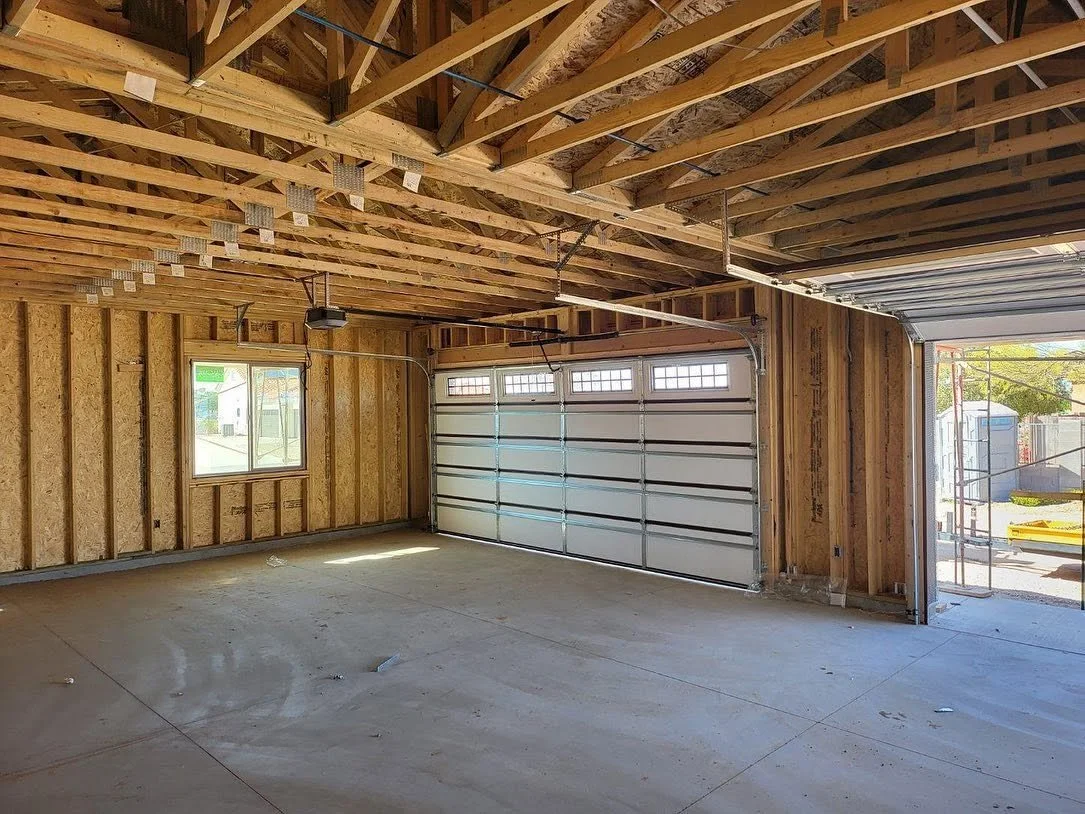 Garage door service in Mesa, AZ
A scheduled visit or an after-hours call-out, which carries an emergency rate; we'll tell you before dispatch.
How the Visit Goes
- 1.
Check lock mode and the battery first.
Both are free, and if one of them fixes it, we would rather you found out before booking.
- 2.
You call, and we schedule it.
- 3.
Text reminder before the appointment, and an ETA text on the day.
- 4.
The technician reads the learn button and the model, and checks for a separate receiver.
- 5.
He establishes what is still supported for your opener's generation before recommending parts.
- 6.
He programs everything at once:
remotes, keypad, and the buttons in your vehicles.
- 7.
You get an estimate before any part is installed.
- 8.
You decide.
Nothing is done until you've approved it.
- 9.
On completion, everything is tested from where you actually use it, including the car on the driveway.
- 10.
You pay by card, check, cash, Zelle, or Venmo. Financing is available through Wisetack.
Why Bring Us Out
We check the free options first, and we would rather tell you it was in lock mode on the phone than charge you to find out.
We read the learn button.
We look for a separate receiver, which is what actually decides compatibility and is the step most often skipped.
We know Craftsman is not orphaned, and which date ranges and models are covered and which are not.
We program the car buttons too, including the step at the opener that people miss.
We will tell you when the problem is a bulb, which is not a part we can sell you.
If we get it wrong, we make it right. Ninety days on our labor, and manufacturer parts warranties honored.
What Mesa Customers Say
Frequently Asked Questions
My remotes stopped working, but the wall button still does.
Check lock mode on the wall control. When it is on, the opener ignores remotes, the lights flash twice when you press one, and the keypad usually still works. Hold the lock button until the indicator goes solid. If that is not it, the battery is next, and then the learn button question.
Which battery does my remote take?
Most current remotes take a single 3V CR2032. A few take two, and a couple of models take a AAA. Keypads are different again: Chamberlain and LiftMaster keypads take a 9V alkaline battery, and Genie and Overhead Door keypads take AAA batteries, with Genie specifying that rechargeable batteries should not be used.
Will this replacement remote work with my opener?
It depends on three things: the technology and frequency, which the learn button color tells you; whether there is a separate receiver on the opener, which overrides everything; and whether your opener's generation is still supported. Chamberlain publishes the chart, and older generations are marked as discontinued, with universal remotes as the only option.
I tried to program a remote, and now nothing works.
You almost certainly held the learn button too long, which erases all remotes and keypads from the opener's memory. Three manufacturers warn about it. It is fully recoverable, and everything just needs reprogramming, including the car buttons.
My opener is a Craftsman. Am I stuck?
No. Chamberlain's compatibility material covers Craftsman openers, with brand remotes and keypads listed for units made after 1997 and universal ones after 1993. Two specific models, the Series 100 and the R-200.57933, are listed as incompatible. Read the learn button, and the chart gives you the part.
Where should a keypad be mounted?
Manufacturers specify within sight of the door and at least five feet above the floor, clear of moving parts. Program it before mounting it. And if the signal is weak once it is up, the wall itself may be the cause, which is why rubber grommets or a small wood backing is a published fix.
Does the Arizona heat kill keypads?
We are not going to claim that, because nothing has been published to support it. What is published is that Chamberlain rates its current video keypad to 122°F, and that it publishes battery protection behavior for cold weather with no equivalent for heat. Where a keypad is mounted and whether it gets afternoon shade are fair things to consider at installation.
My remote range has gotten much worse.
Chamberlain's published baseline is two to three car lengths. Check that the antenna wire is hanging straight down and not touching metal. Then check whether anyone has installed LED bulbs near the opener, which three manufacturers name as an interference source, and swap one for an incandescent or CFL to test it.
The buttons in my car stopped working.
On rolling-code openers, there is a second step at the opener itself after training the car button, and it is easy to miss. If the car has an older HomeLink system and the opener is newer, a published bridge kit covers it. It is usually not the car.
Someone stole a remote from my car. What now?
Clear the opener's memory and reprogram everything. And worth knowing: a police safety site quoted in that same DASMA piece made the point that the registration in your glovebox is the other half of the problem, because it tells a thief which house the remote opens.
Where We Work
Remote and keypad programming across the Phoenix metro:
- Mesa,
- Gilbert,
- Chandler,
- Tempe,
- Scottsdale,
- Phoenix,
- Queen Creek,
- Apache Junction,
- Glendale,
- Peoria,
- Ahwatukee,
- Fountain Hills and
- Paradise Valley.
Photograph the learn button before you buy anything.
It is on the same side of the opener as the wires from the wall control and the safety sensors, usually under a light lens cover. Its color tells us the technology, the frequency, the approximate year, and whether replacement accessories are still available. Add a photo of any separate box wired to the opener, and we can tell you what fits before anybody drives out.